




Description
Download SaferVPN Best VPN Proxy APK – free VPN, secure browsing, IP protection, privacy tool, anonymous surfing, fast proxy, Android VPN app
Overview
SaferVPN Best VPN Proxy APK is a free Android application designed to enhance digital privacy and online freedom. Developed by IPVanish VPN, the software routes user traffic through encrypted remote servers to protect personal data and prevent unauthorized tracking. It enables users to change their IP address, access geo-restricted content, and secure connections on public Wi-Fi networks. The app is tailored for individuals seeking a straightforward solution to safeguard their online activity without technical complexity. It supports over 1,300 servers across more than 50 global locations, allowing users to connect to preferred server regions. The software operates under a no-logging policy, ensuring that user activity is not recorded or shared with third parties. This makes it suitable for privacy-conscious users, remote workers, travelers, and those accessing content from restricted regions. Real-world use cases include securing data on public hotspots, bypassing regional content blocks, and maintaining anonymity during online interactions. While the developer did not specify additional system requirements, the app is designed for Android devices and functions as a desktop-independent tool. The application is available at no cost, with a 30-day money-back guarantee offered for users who may wish to test the service. The developer did not provide further details about the company’s background beyond the app’s branding.
Key Features & Capabilities
- 256-bit encryption – Ensures end-to-end data protection by encrypting all traffic between the device and the remote server, minimizing the risk of interception.
- 1,300+ global servers – Offers a wide network of server locations across 50+ countries, enabling users to select a server based on performance, privacy needs, or content access.
- IP address masking – Replaces the user’s real IP address with that of the chosen server, helping to maintain anonymity and bypass location-based restrictions.
- Five simultaneous connections – Allows multiple devices to be protected under a single account, supporting shared use among family or friends.
- No-logging policy – The app does not store user activity logs, ensuring that browsing history remains private and cannot be used for advertising or third-party tracking.
- Automatic public Wi-Fi protection – Activates security measures when connecting to unsecured networks, reducing exposure to potential threats.
- Unthrottled speeds – Designed to maintain high-speed performance for activities such as HD video streaming, file downloads, and online gaming.
These features collectively support secure browsing, anonymous surfing, and unrestricted access to online services. Users can connect with a single tap, making the tool accessible even to those with minimal technical experience. The application is particularly useful for individuals who frequently use public networks, require access to international content, or wish to prevent data harvesting by advertisers and ISPs.
User Interface, Workflow & Performance
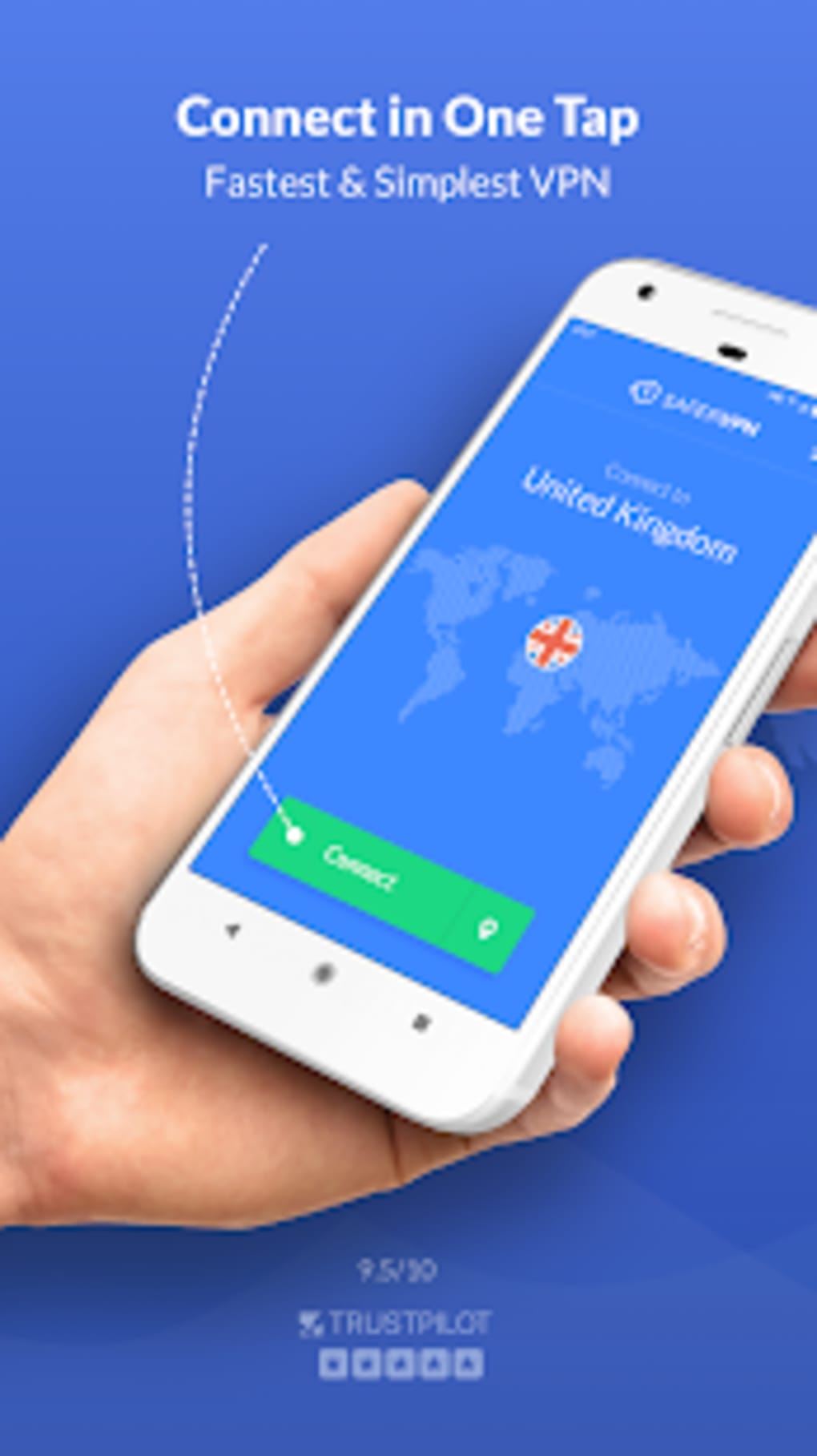
The user interface of SaferVPN Best VPN Proxy APK is designed with simplicity in mind, featuring a clean layout and intuitive navigation. The main screen displays a prominent connect/disconnect button, along with a list of available server locations. Users can switch between servers with minimal effort, and the connection status is clearly indicated. The workflow is streamlined: tap to connect, and the app handles the rest. The developer did not specify resource usage details, so performance behavior on various devices remains unspecified. General software behavior patterns suggest that the app operates efficiently on modern Android devices. However, some users have reported connection instability and app crashes during usage, though these issues were not confirmed by the developer. Stability may vary depending on device hardware, network conditions, and background processes. The app does not include advanced configuration options, which may limit customization for experienced users. Nonetheless, the straightforward design enhances accessibility for beginners. The lack of detailed performance metrics or system monitoring tools means that real-time feedback on bandwidth, latency, or data usage is not available within the app.
Compatibility & System Requirements
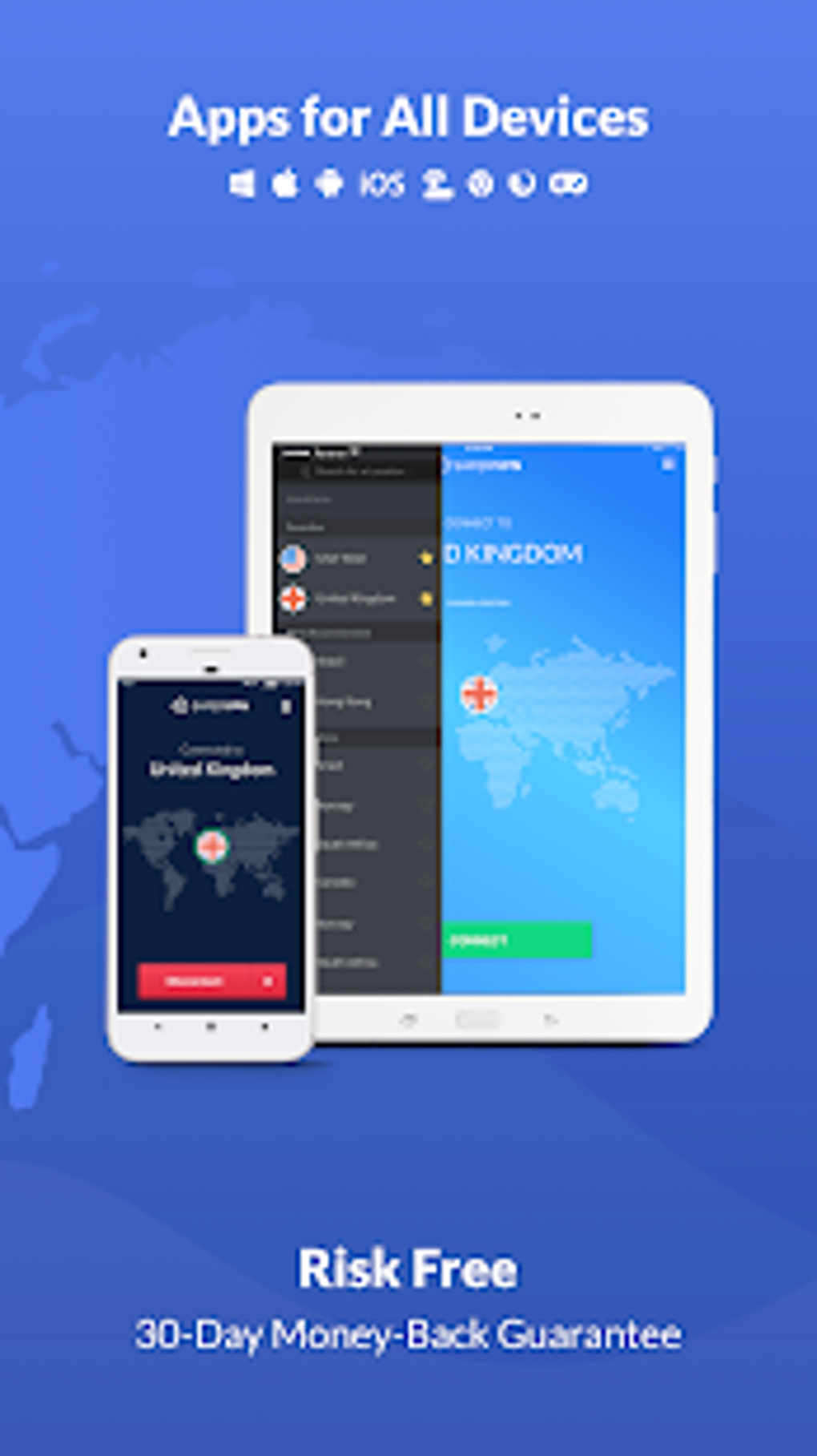
SaferVPN Best VPN Proxy APK is designed for Android operating systems and is compatible with devices running Android 6.0 and above. The installation size is 22.5 MB, indicating a lightweight footprint that should not significantly impact storage space. The developer did not provide additional system requirements, such as minimum RAM, CPU specifications, or GPU support. As a result, exact compatibility with older or low-end devices cannot be confirmed. The app is distributed as an APK file, meaning it is intended for direct installation outside the official Google Play Store. This may offer flexibility for users in regions where the app is restricted, but it also requires users to enable installation from unknown sources. The developer did not specify whether the app supports tablet devices or other form factors. Users should ensure their device meets basic Android requirements to run the application without issues. The app does not include features for desktop or non-Android platforms, so cross-device functionality is limited to the Android ecosystem.
Pros and Cons
Pros
- Free to download and use with no upfront cost
- Offers 256-bit encryption for secure data transmission
- Supports over 1,300 servers across 50+ global locations
- Five simultaneous connections allow multi-device protection
- Simple, beginner-friendly interface with one-tap connectivity
- Adheres to a no-logging policy for enhanced privacy
- Automatic Wi-Fi security helps protect data on public networks
Cons
- Some users report connection failures and app crashes
- Exact system requirements were not listed
- No official desktop or iOS version available
- Performance details such as speed, CPU, or RAM usage were not provided
- APK distribution may raise security concerns for cautious users
FAQ Section
Is SaferVPN Best VPN Proxy APK safe to download and install?
The app is distributed as an APK file and is developed by IPVanish VPN. While the developer claims to follow a no-logging policy, users should exercise caution when installing APKs from third-party sources. It is recommended to verify the source and scan the file with a trusted antivirus tool before installation.
Can I use SaferVPN on multiple devices?
Yes, the app supports up to five simultaneous connections, allowing users to protect multiple devices such as smartphones, tablets, or other Android devices under a single account.
Does SaferVPN log user activity?
According to the developer, the app does not log user activity or share personal data with third parties. This policy is intended to protect user privacy and prevent tracking.
Is the app available for Windows or Mac?
The software is designed exclusively for Android devices. There is no official desktop version for Windows or Mac available at this time.
How often does SaferVPN update?
The app’s latest version is 3.1.0, released on January 15, 2024. The developer did not specify an update frequency, but users are encouraged to keep the app updated for optimal performance and security.
Final Thoughts
SaferVPN Best VPN Proxy APK presents a compelling option for Android users seeking a free, privacy-focused tool with strong encryption and global server access. Its no-logging policy, five-device support, and straightforward interface make it suitable for beginners and privacy advocates alike. While some users have reported connection issues and instability, the core functionality remains intact for basic use cases. The app’s lightweight size and free availability enhance its accessibility. However, the lack of detailed system requirements and performance data limits transparency. For those prioritizing secure browsing, IP protection, and anonymous surfing on Android, this tool offers a practical solution. The 30-day money-back guarantee adds confidence for users who wish to test the service. Download SaferVPN Best VPN Proxy APK now and take control of your digital privacy.
Guides & Tutorials for SaferVPN Best VPN Proxy APK
How to install SaferVPN Best VPN Proxy APK
- Click the Preview / Download button above.
- Once redirected, accept the terms and click Install.
- Wait for the SaferVPN Best VPN Proxy APK download to finish on your device.
How to use SaferVPN Best VPN Proxy APK
This software is primarily used for its core features described above. Open the app after installation to explore its capabilities.
User Reviews for SaferVPN Best VPN Proxy APK 0
No reviews found





